Technical guide to UV-DTF printing: from file preparation to correct application
Learn everything about UV-DTF technology: compatible substrates, when it is the most cost-effective option, how to prepare graphic files with spot white and varnish, and the correct steps for a durable application.
Printing technology has evolved rapidly, offering excellent solutions for personalizing objects that classic direct printing could not handle due to irregular shapes or difficult materials. UV-DTF (Direct to Film) printing represents one of the most versatile innovations in modern advertising production. This technology combines the durability of UV ink with the flexibility of a self-adhesive transfer, allowing rapid branding on almost any rigid surface without the need for specialized industrial machinery on site.
What exactly is UV-DTF printing and how does it work
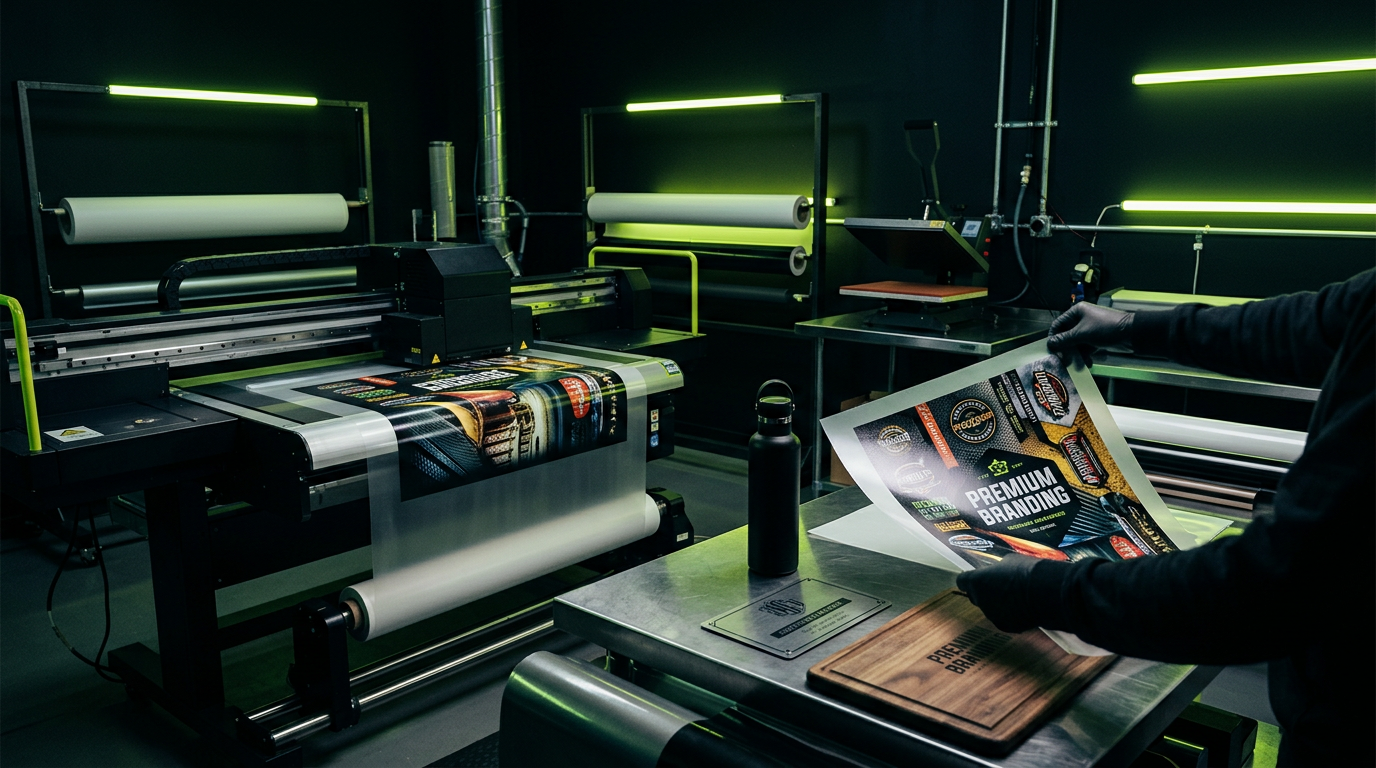
Unlike direct UV printing on objects (flatbed), where the finished product must be physically placed on the printer bed, UV-DTF technology involves printing the graphics onto a special carrier film (A-film). The printer first applies a layer of ultra-strong glue, followed by white ink, CMYK colors, and finally, a layer of varnish for extra protection and a glossy 3D effect. After printing, the film is automatically hot-laminated with a second transfer film (B-film). The final result is a sticker with extremely strong adhesive, ready to be applied with simple manual pressure on the desired object.
Compatible substrates and limitations
UV-DTF is specifically designed for hard, non-porous, clean surfaces. Among the most common compatible materials are:
- Glass and ceramics: glasses, mugs, bottles, transparent trophies, or decorative elements.
- Metal and aluminum: thermoses, laptop cases, tools, or metal identification plates.
- Plastic, acrylic, and polycarbonate: hard-cover notebooks, pens, lighters, phone cases, or electronic equipment casings.
- Varnished or finished wood: premium gift boxes, decorative panels, or small furniture items.
- Leather and rigid eco-leather: desk folders, elegant notebooks, or durable accessories.
Please note that this technology is intended exclusively for rigid or semi-rigid surfaces. It is not suitable for flexible textiles (classic DTF technology based on pigment ink and thermal adhesive powder exists for textiles). Also, extremely rough, porous, or untreated surfaces can affect the long-term adhesion of the glue.
When is UV-DTF recommended
There are specific scenarios where UV-DTF outperforms traditional methods like pad printing, screen printing, or direct flatbed UV printing:
- For small and medium runs: It does not require screen printing screens or pad printing plates, which reduces startup costs to zero.
- For complex or curved shapes: If an object cannot be placed flat on a UV printer bed due to its shape, the UV-DTF sticker easily conforms manually to the curve.
- For decentralized customization: You can print a whole roll of stickers and ship them directly to your clients so they can apply them on-site, whenever needed.
- For extremely fine details: The technology offers exceptional resolution, far superior to cutting classic vinyl stickers on a plotter.
Preparing files for printing: technical rules
To achieve a professional result without production errors, files sent to our studio must comply with the following parameters:
- File format: Graphics must be in vector format (editable PDF, EPS, or AI) or raster format with a minimum resolution of 300 DPI on a completely transparent background.
- Color profile: All graphic elements must be defined in CMYK mode (recommended profile is Coated FOGRA39). Do not use RGB.
- White layer (White): For the design to remain opaque on colored or transparent surfaces, you must create a special color channel (Spot Channel) usually named White or Spot_White, set to 100% opacity.
- Varnish layer (Varnish): If you want a glossy 3D effect, create a second special color channel (Spot Channel) named Varnish or Gloss, perfectly aligned over the areas you want to highlight.
- Minimum line thickness: Avoid lines thinner than 0.3 mm because the adhesive will not have enough surface contact to ensure a secure bond.
Step-by-step application guide
Correct application is crucial for the durability of the transfer. Follow these simple steps:
- 1. Surface cleaning: Degrease the object thoroughly using isopropyl alcohol to remove any grease, dust, or fingerprints. The surface must be completely dry.
- 2. Cutting the graphic: Cut the desired sticker from the main sheet, leaving a small safety margin around the design.
- 3. Removing the backing film (A-film): Carefully peel off the opaque backing film. Make sure all fine graphic details remain attached to the transparent transfer film (B-film).
- 4. Positioning: Place the sticker in the desired position. Once the adhesive touches the surface, repositioning is no longer possible without destroying the print.
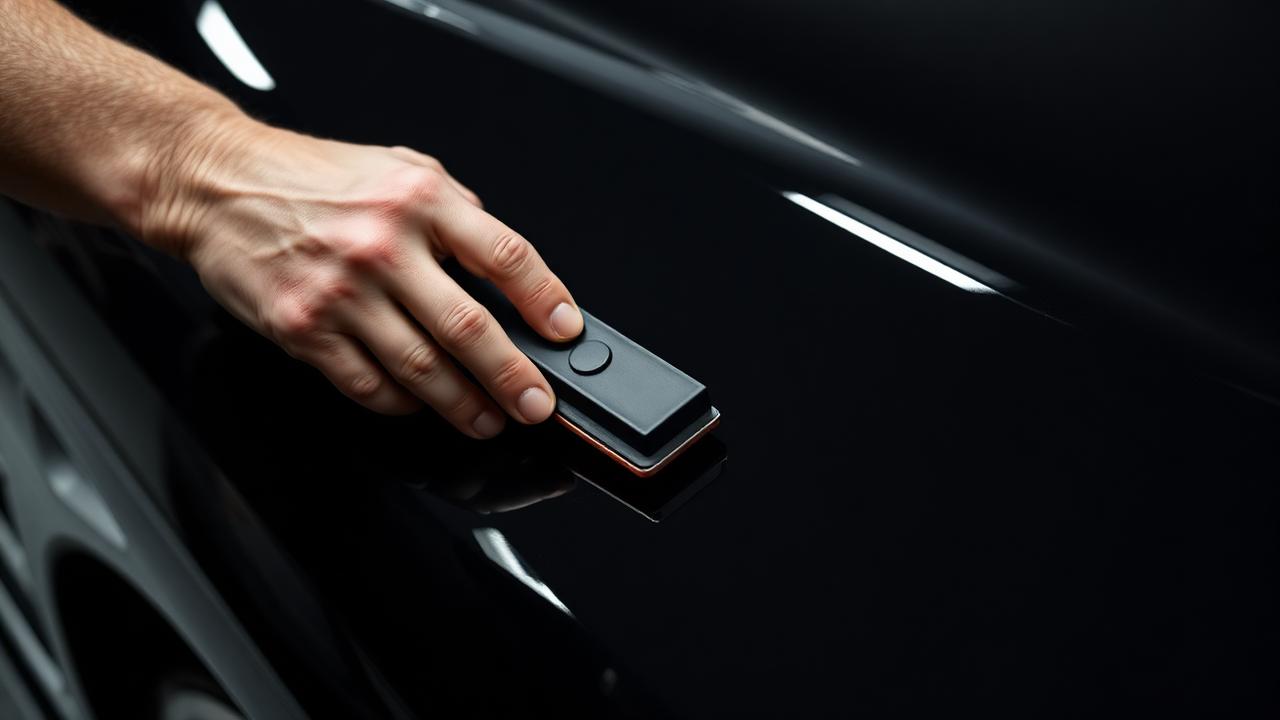
- 5. Pressing: Use a felt squeegee or your fingers to press the sticker firmly, working from the center outward to eliminate any air bubbles.
- 6. Removing the transfer film: Slowly peel off the transparent transfer film (B-film), pulling at a sharp angle, almost parallel to the surface of the object.
UV-DTF printing is highly resistant to water, UV rays, and light scratches due to ink curing under the printer's UV lamps. Objects such as mugs or thermoses can be hand washed without issues. We do not recommend washing in the dishwasher at high temperatures, as extreme heat and aggressive detergents can weaken the adhesive over time.
Need a custom solution?
Talk to the LOOP DESIGN ADV specialists and get an offer tailored to your project.
Request a quote